New WDOOD Update: Smarter Order, Printing, and Branch Management
At WDOOD, the customer journey doesn't end when an order is placed.
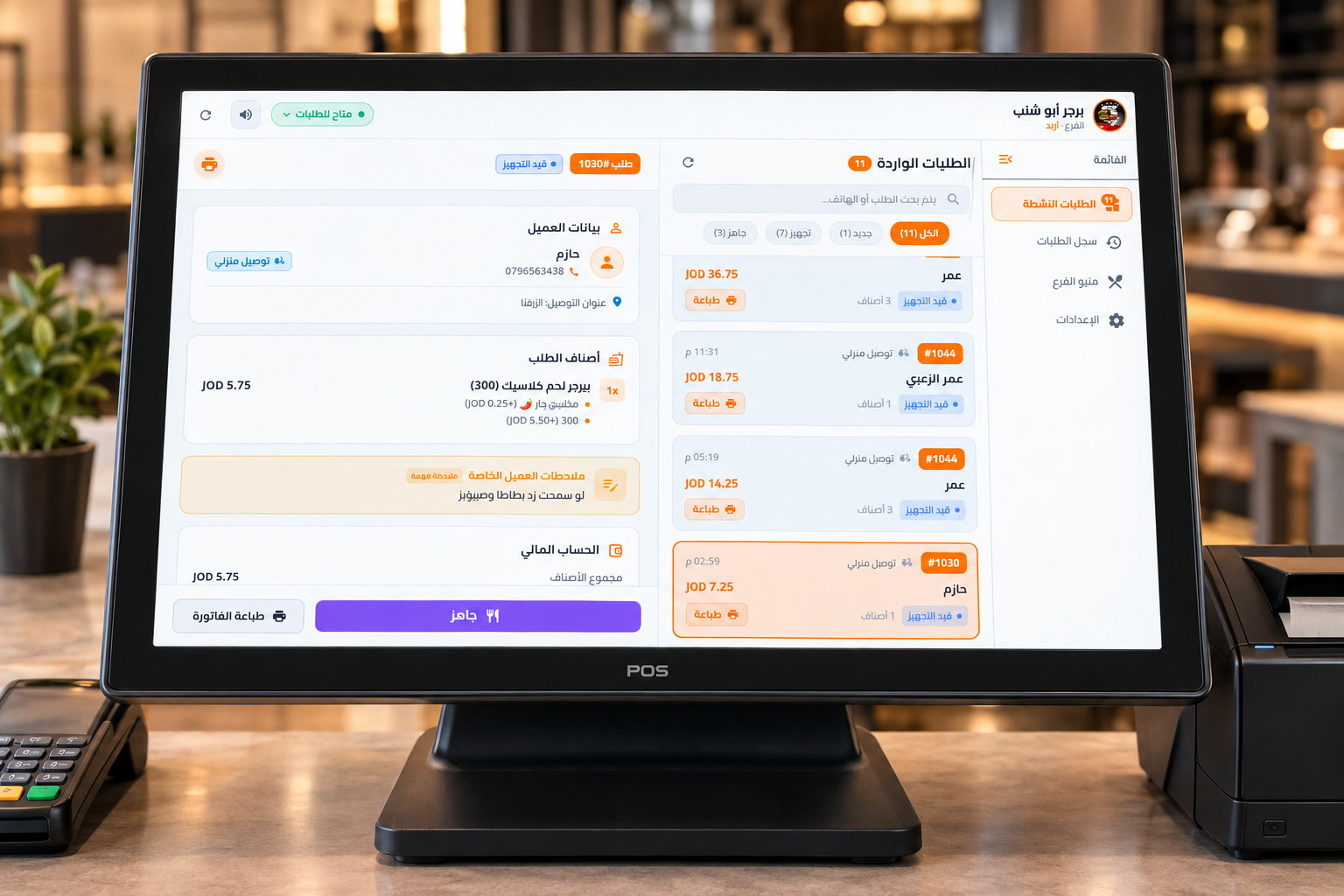
We’ve upgraded the desktop setup system connected to WDOOD to make direct order printing and restaurant operations more flexible and easier to manage.
Every Order Goes to the Right Branch
For businesses with multiple branches, each order is connected to the correct branch.
This helps ensure that orders placed through a specific branch are handled by that branch.
Product availability can also be managed differently from one branch to another, giving each location greater control over the items available on its menu.
More Flexible Language Support
The updated system now supports two languages, making it easier for different teams to use the platform based on their needs.
Multiple Order Notification Sounds
Instead of relying on a single notification sound, the system now provides multiple sound options for incoming orders.
A simple improvement that gives businesses more flexibility when managing busy order environments.
More Control Over Printing
We’ve also added more flexibility to the way orders and receipts are printed.
Businesses can now adjust:
- Print size
- Font size
- How order details appear on printed receipts
This allows restaurants to create a printing setup that better fits their operational needs.
Review Orders and Reorder Easily
The system is not only designed to receive new orders.
You can also review previous order details and return to them whenever needed, with the ability to reorder easily.
A Smarter Operational Experience
This update turns the WDOOD desktop setup into more than just a screen for receiving orders.
Orders go to the right branch, products can be managed by location, printing is more flexible, and order history is easier to review.
Another step toward making WDOOD a more integrated part of restaurant operations.
WDOOD — Smart Menu. Smarter Operations.