How to Choose the Right Digital Menu System for Your Restaurant
Digital menus have become an important part of the modern restaurant and café experience.
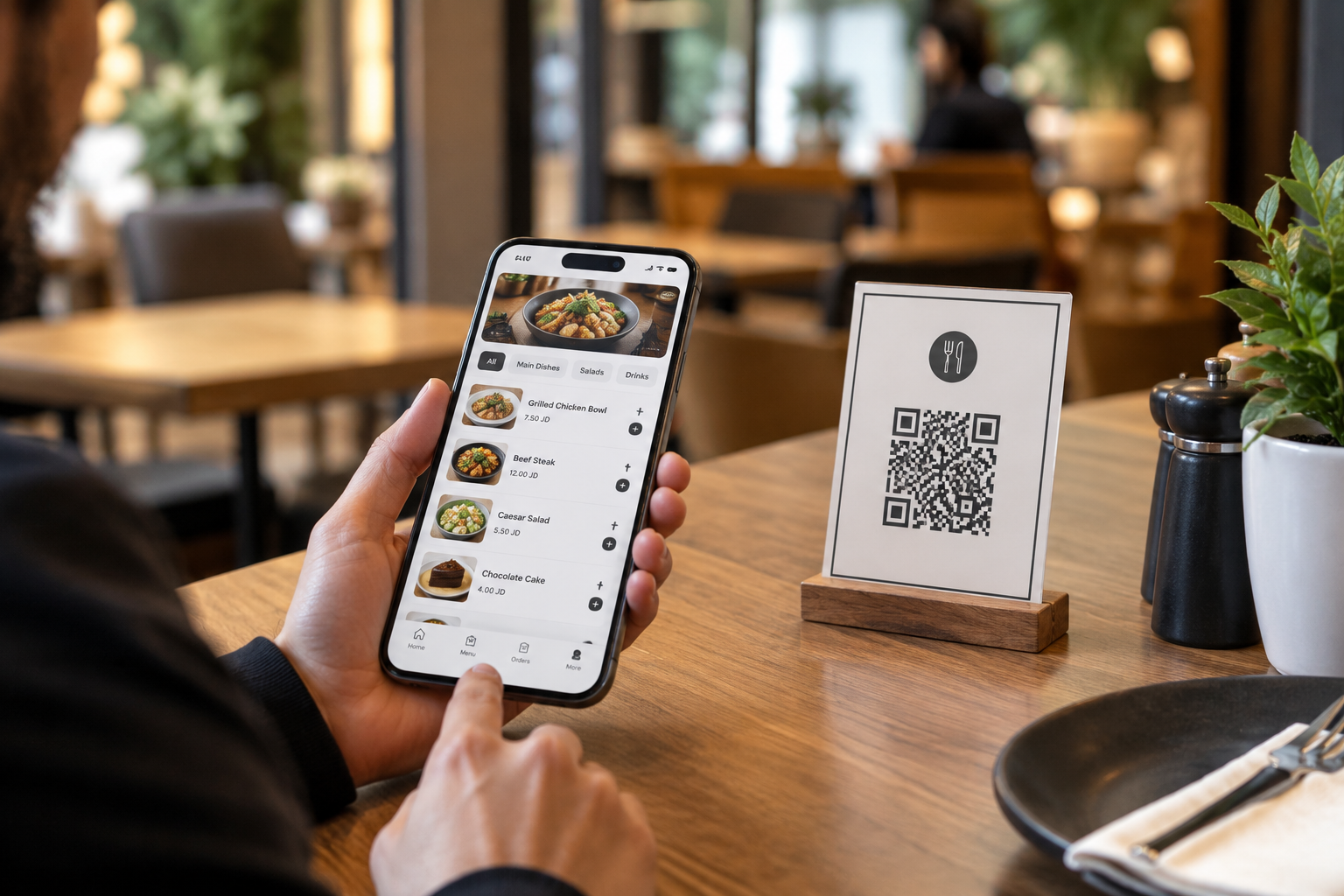
They are no longer just a link or a QR Code that displays a list of food items.
With many different options available, restaurant owners face an important question:
How do I choose the right digital menu system for my restaurant?
The answer is not only about design or subscription price. The right system should provide an easy experience for customers while helping the restaurant manage its menu, products, and orders more efficiently.
Here are the most important things to consider before choosing a digital menu system.
1. It Should Be Easy for Customers to Use
The most important person in the digital menu experience is the customer.
A system can have many features, but they provide little value if customers cannot easily find what they are looking for.
Look for a menu that offers:
- Clear and fast navigation.
- Well-organized categories and products.
- Clear product images.
- Easy-to-read prices and information.
- Product search.
- A mobile-friendly experience.
The goal is not simply to display products.
A good digital menu should help customers discover products and make ordering decisions more easily.
2. Make Sure the Menu Is Easy to Update
Prices change. New products are added. Some items become unavailable.
Your digital menu system should make these changes simple without requiring you to redesign or reprint your menu every time.
The right system should allow you to:
- Add new products.
- Update prices.
- Change descriptions and images.
- Add offers.
- Show or hide products based on availability.
This flexibility helps keep your menu accurate and up to date.
3. Does It Support the Languages Your Customers Need?
Many restaurants in Jordan and across the Arab world need to offer their menus in both Arabic and English.
Multiple language support is not simply about translation. It is about creating a comfortable experience for different customers.
Make sure the system can present your menu clearly in the languages your business needs.
4. Does It Offer an Easy-to-Use QR Code?
QR Codes have become one of the fastest ways for customers to access a digital menu.
They can be placed on:
- Restaurant tables.
- Storefronts.
- Takeaway bags and packaging.
- Marketing materials.
- Social media.
The important part is that the QR Code should remain connected to a menu you can update at any time.
You can change products and prices without changing the QR Code itself.
5. Do You Only Need to Display the Menu, or Receive Orders Too?
This is one of the most important questions to answer before choosing a system.
Some restaurants only need a digital menu for displaying their products.
Others want customers to place orders directly through the menu.
If you need digital ordering, look for a system that can help you manage information such as:
- Customer name.
- Table number for dine-in orders.
- Ordered products.
- Add-ons and notes.
- Order details.
The right choice should match how your restaurant actually operates.
6. Can You Control Product Availability?
One common restaurant problem is customers ordering products that are no longer available.
That is why product availability management is important.
When an item is unavailable, you should be able to easily disable or hide it and activate it again when it becomes available.
A simple feature like this can reduce confusion and improve the customer experience.
7. What If You Have Multiple Branches?
If your restaurant has multiple branches, some details may vary from one location to another, including:
- Prices.
- Product availability.
- Menu items.
- Order management.
If you already operate multiple branches—or plan to expand—it is worth choosing a system that can support multi-branch management.
Managing branches from an organized dashboard can save time and make menu management easier.
8. Does the Customer Need to Download an App?
Every extra step can create friction.
That is why customers should ideally be able to open your menu directly through a link or QR Code, without downloading an app or creating an account.
The faster and easier the experience, the better it is for the customer.
9. Don't Choose Based on Price Alone
Price is naturally an important factor, but the cheapest option is not always the best option.
Before making a decision, ask yourself:
Does this system actually provide what my restaurant needs?
A simple digital menu may be enough for one restaurant, while another may need:
- Digital ordering.
- Table management.
- Product availability controls.
- Multi-branch management.
The right choice is the one that provides real value for your business.
The Right Digital Menu Is the One That Fits Your Restaurant
There is no single digital menu system that is perfect for every restaurant.
The needs of a small café can be very different from those of a restaurant with multiple branches. A dine-in restaurant may also have different requirements from a business focused primarily on takeaway or external orders.
Before choosing a digital menu system, ask yourself:
- Do I only need to display my menu?
- Do I want to receive orders?
- Do I need QR Codes for tables?
- Do I have multiple branches?
- Do I need to control product availability?
- Do I need Arabic and English?
Once you have clear answers, choosing the right system becomes much easier.
How Can WDOOD Help?
WDOOD was designed to be more than just a digital restaurant menu.
It helps restaurants, cafés, and food businesses create a branded digital menu and share it through a direct link and QR Code, while making products and prices easy to update.
Depending on the needs of the business, WDOOD can be used to display products or receive and manage orders, with features that support table organization, product availability management, and branch management.
The goal is simple:
An easier experience for customers and more flexible tools for restaurant owners.
Try WDOOD Free for 14 Days
Discover how a smart digital menu can improve your customer experience and make managing your restaurant menu easier.
WDOOD — Smart Menu. Smarter Experience.